Cancelling your Subscription
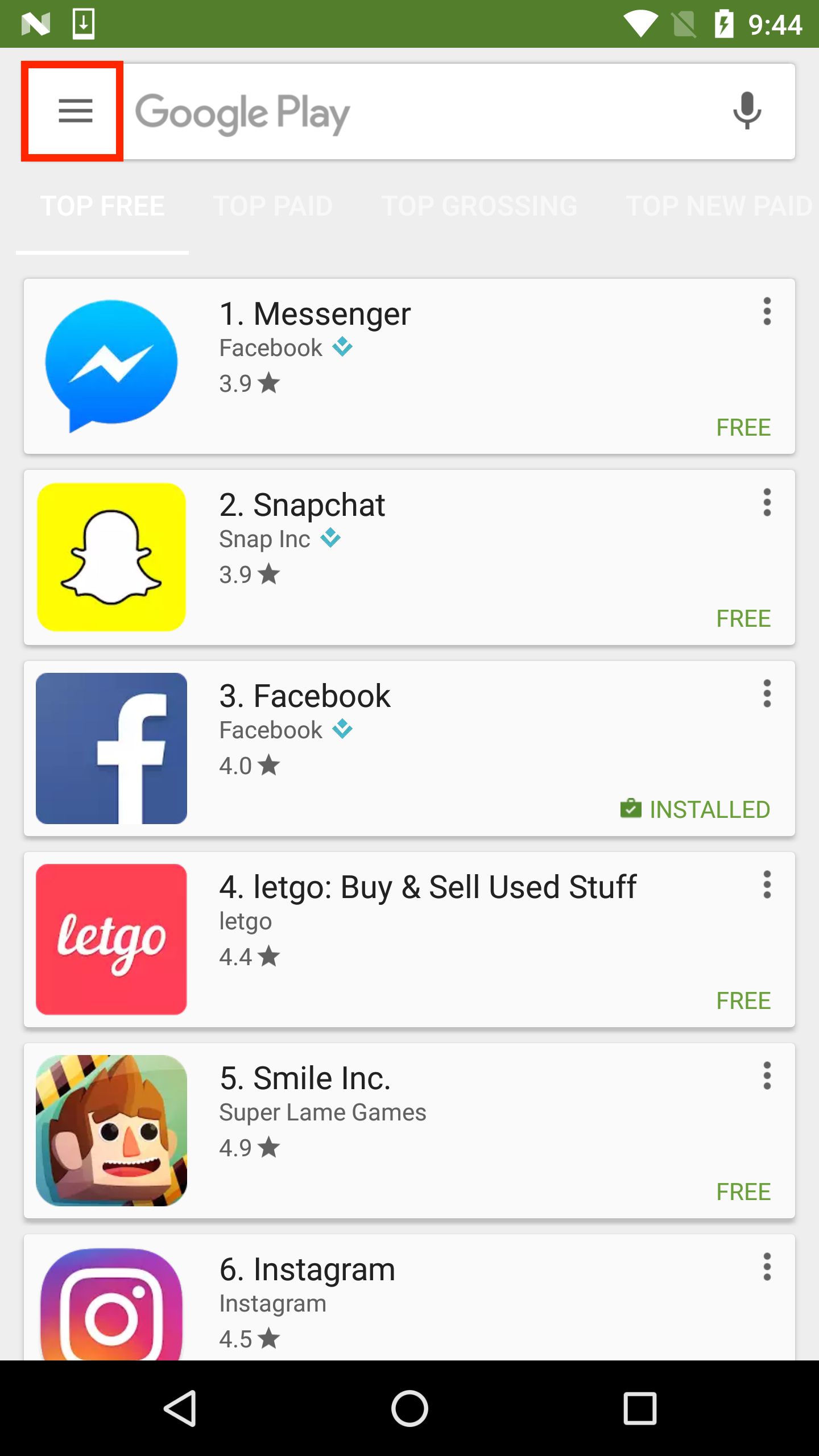
To cancel your Hockey Canada Network subscription on Android, open the Play Store on your device.

Open the navigation drawer using the icon in the top left corner. These steps may vary depending on your Android version.
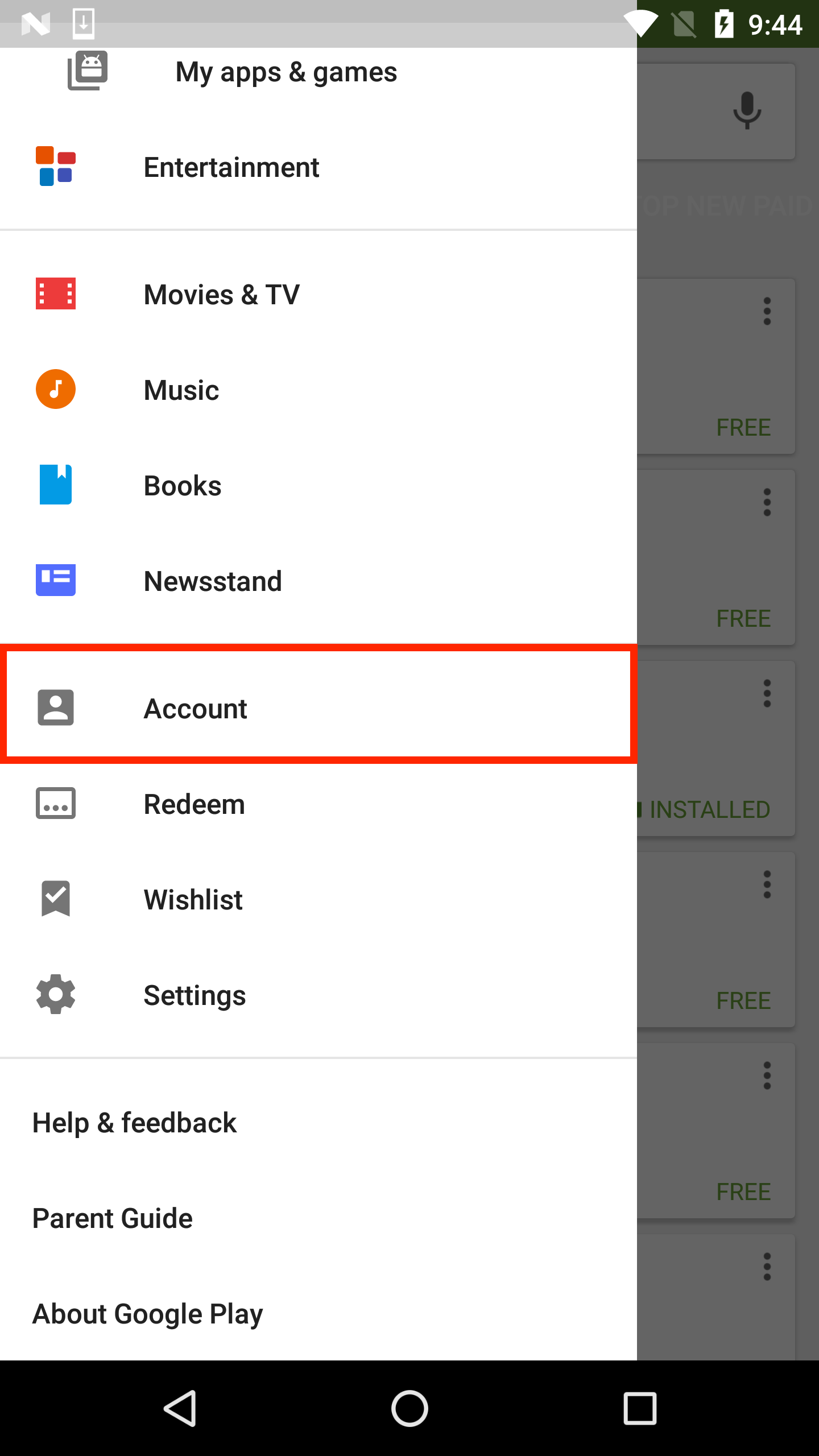
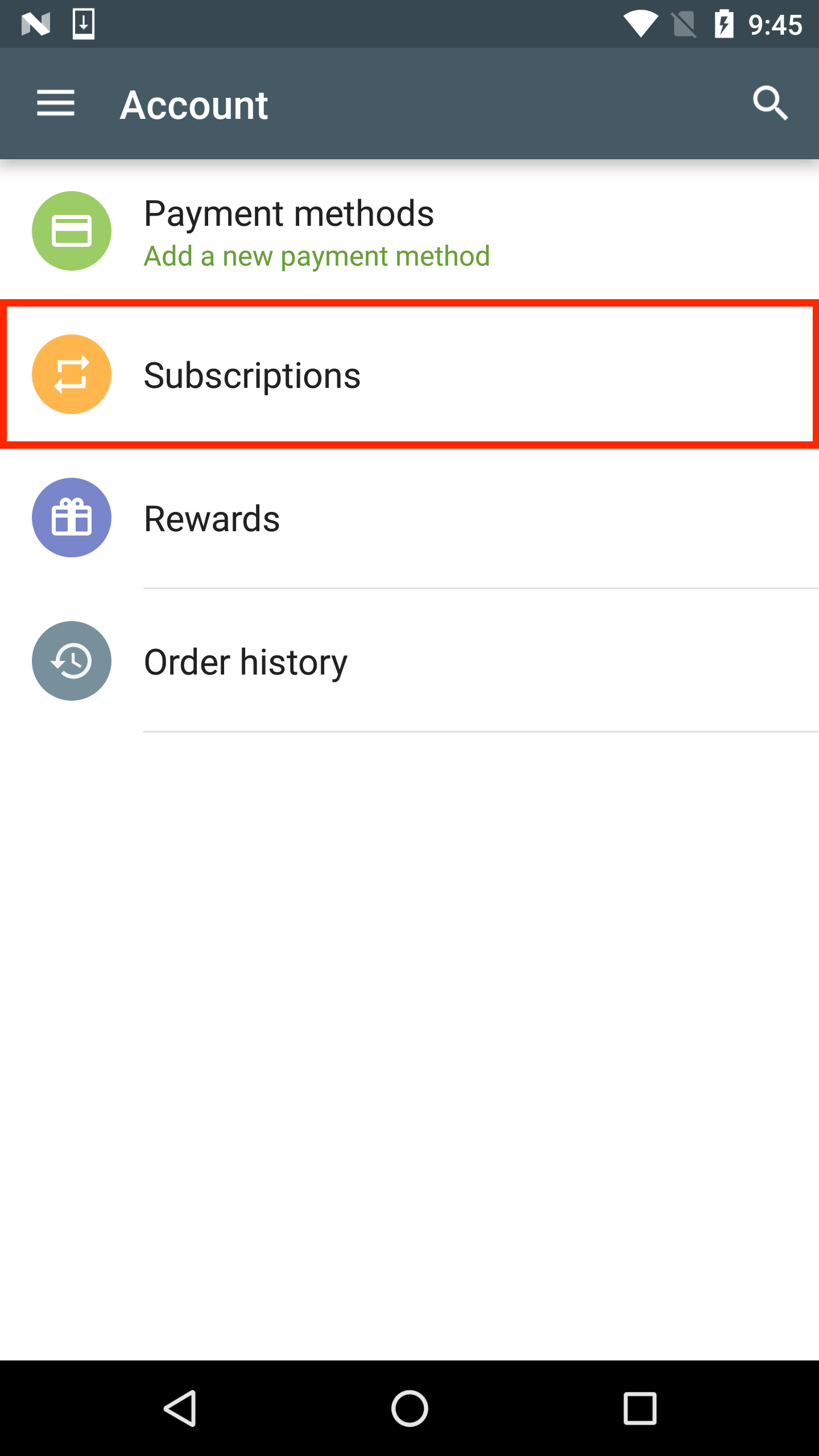
Tap on "Subscriptions" and select your current Hockey Canada Network subscription. Tap “Cancel.” Your subscription will expire once your current period ends.